🔬
Not AI
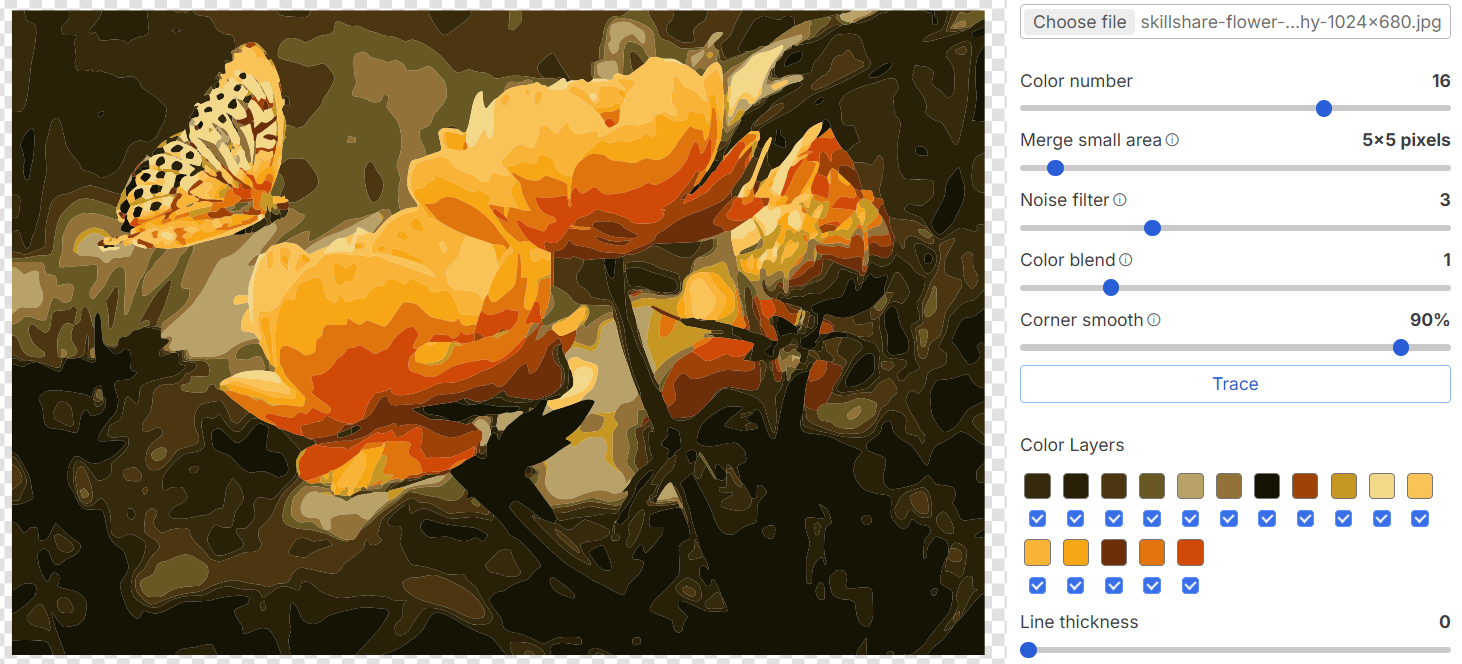
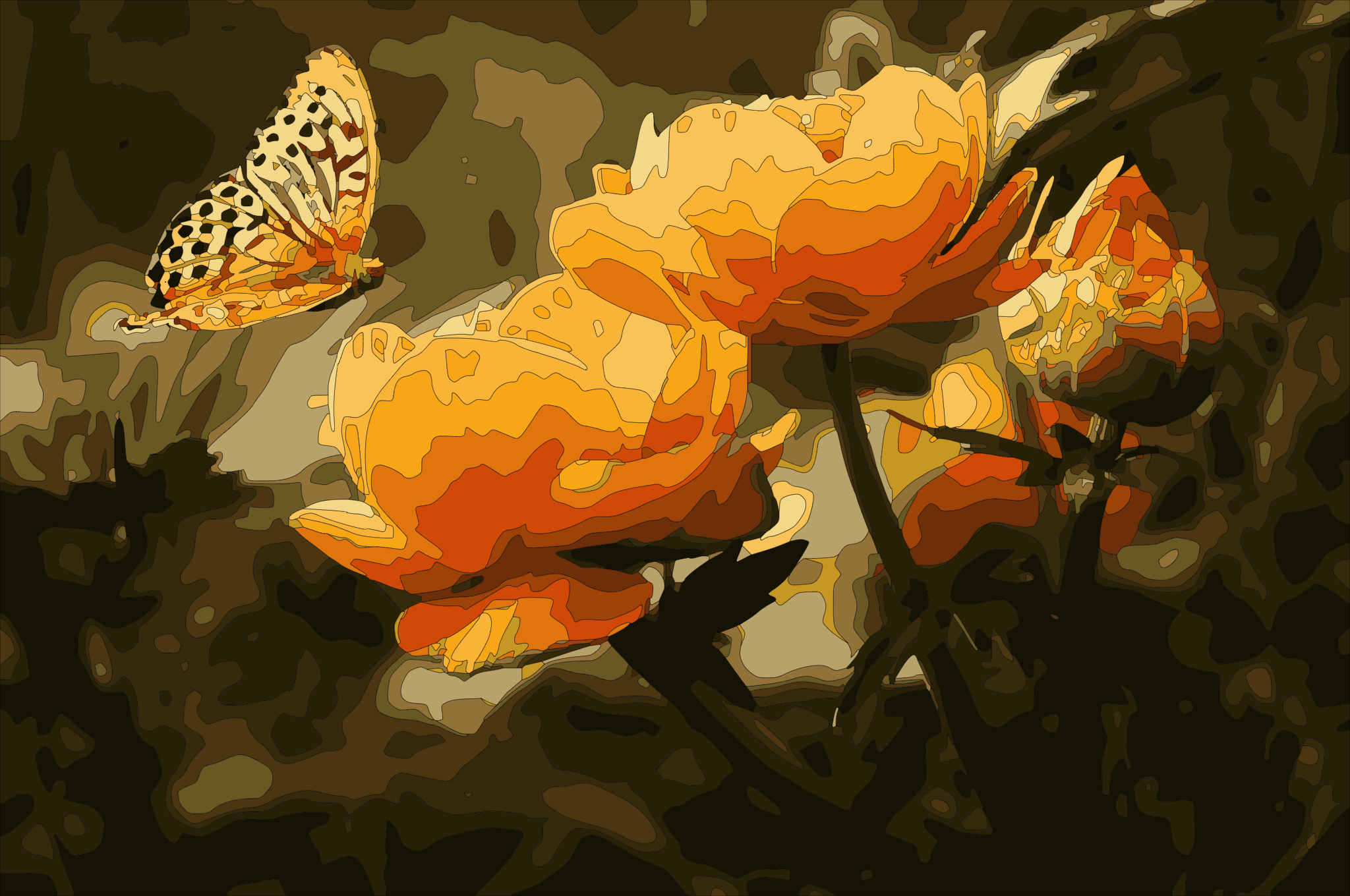
TracePen traces what is actually in your image. No guessing, no hallucinated shapes. The same input always produces the same output — mathematically, not probabilistically.
Not AI. Every edge, every curve, every color — traced mathematically from your image.


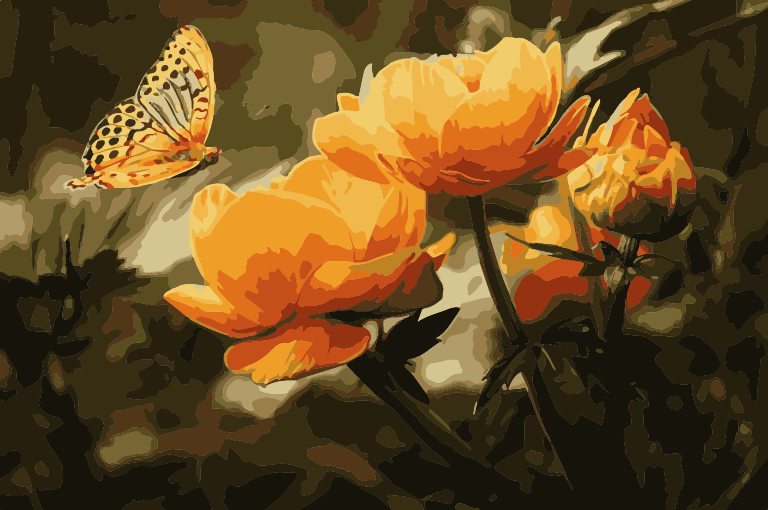
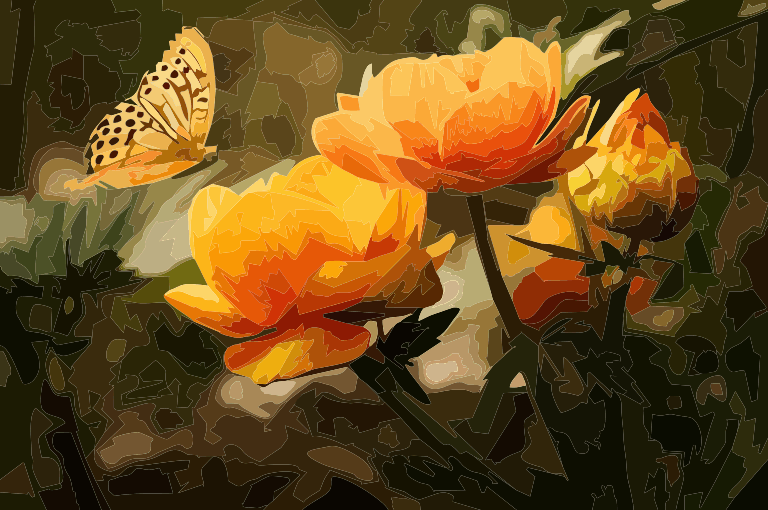
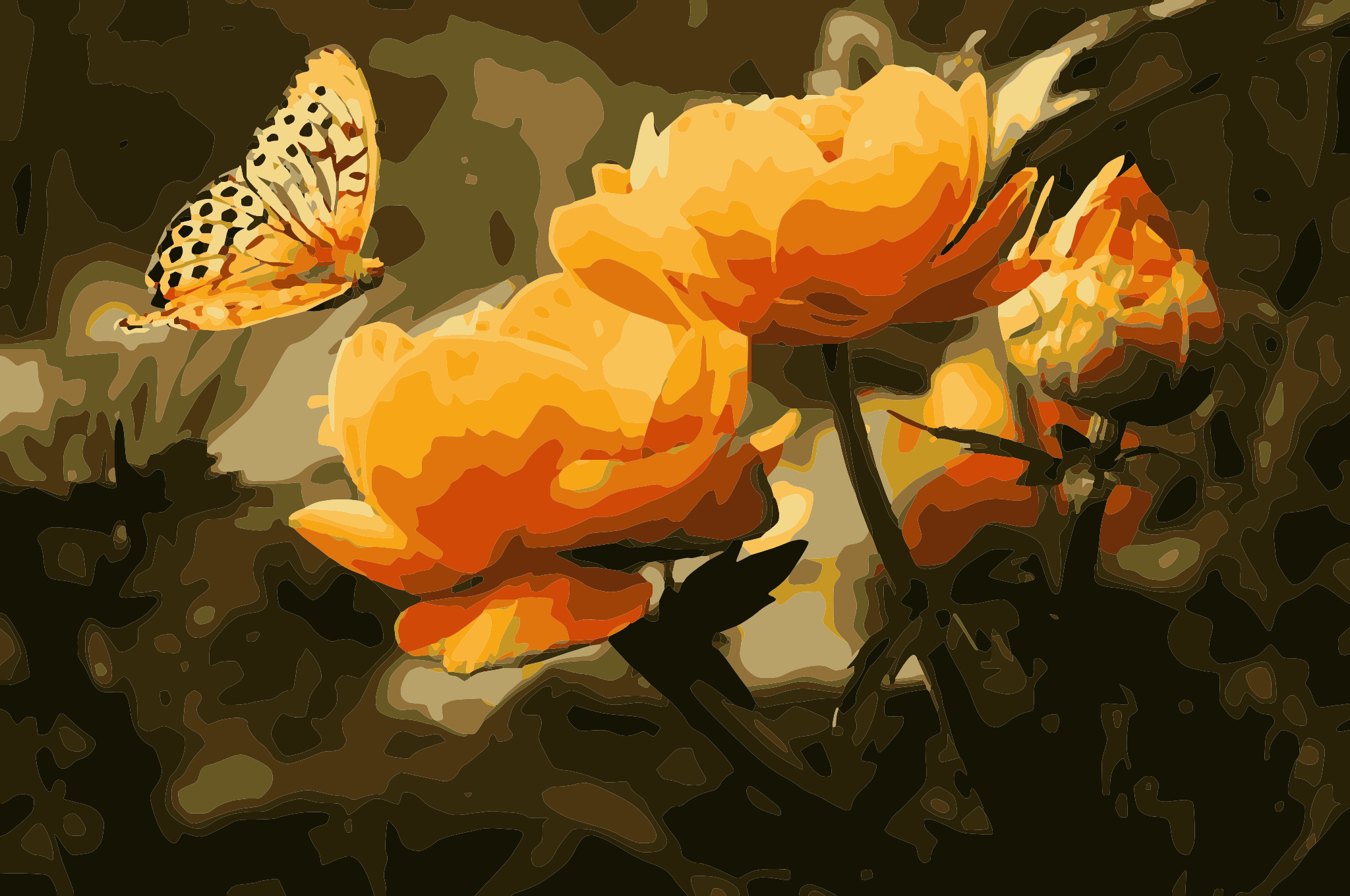
AI image vectorizers reconstruct what they think your image should look like. That works for quick web graphics — but when you need to cut vinyl, laser-engrave, or hand off to a print shop, you need paths that follow the actual pixels, not a model's interpretation.
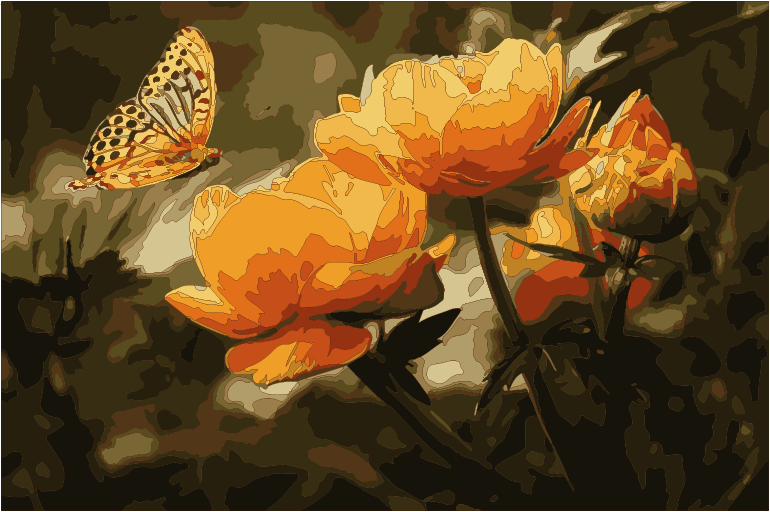
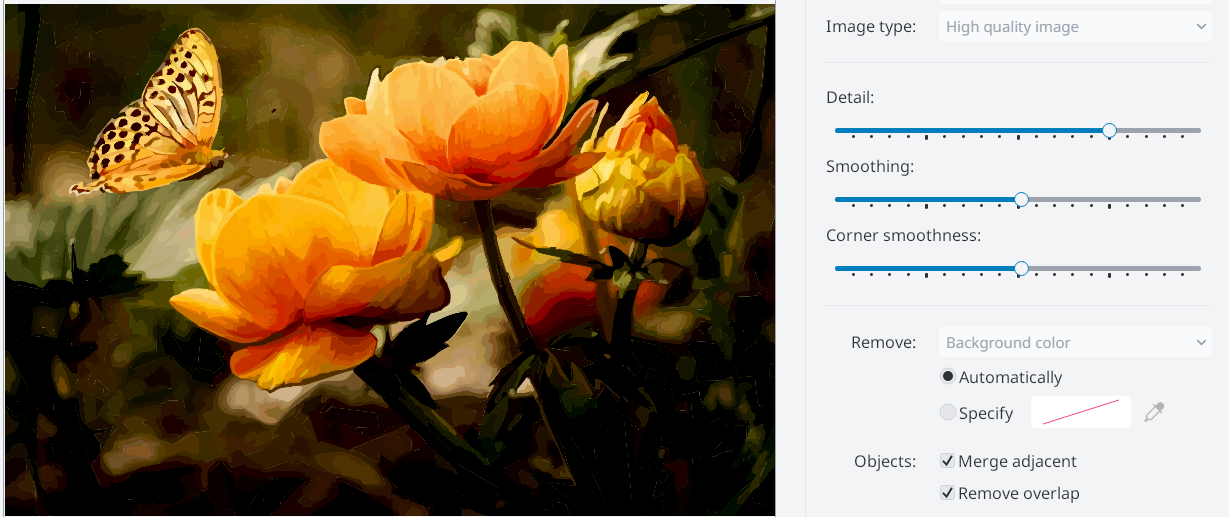
TracePen traces what is there: each color region is extracted, its boundary contour is walked pixel by pixel, shared edges between adjacent colors are split and merged at their true intersection, and the resulting polygon chain is fitted to Bezier curves. The output is a mathematically faithful vector representation of your raster image.
The difference: TracePen runs instantly in your browser, free, with no file size limits on tracing.